The Importance of Choosing the Right Speed MFP
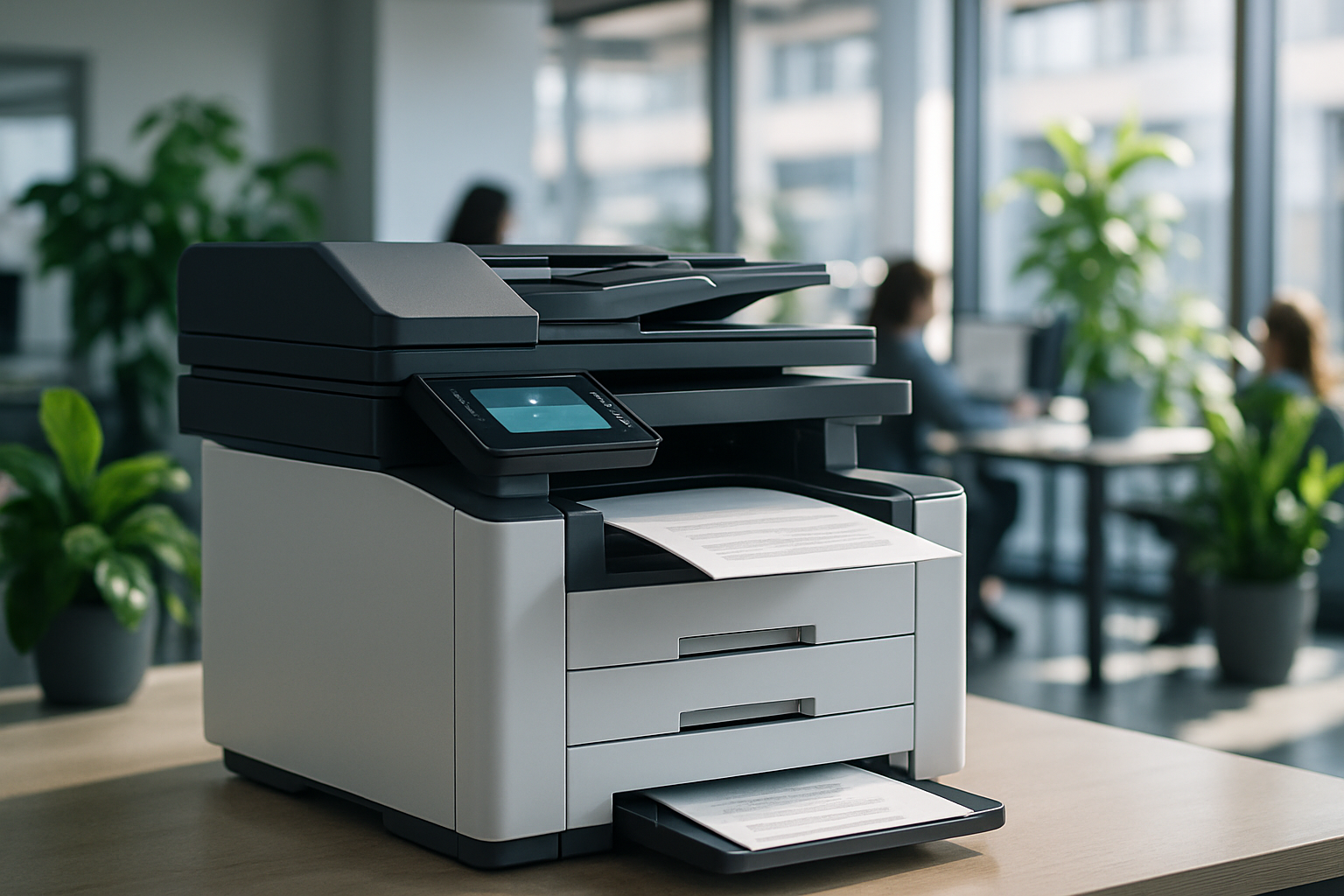
Selecting a multifunction printer (MFP) for your office is more than just picking the first machine that looks capable. The speed of the MFP—how quickly it can print, copy, scan, or fax—is a critical factor that influences productivity, workflow efficiency, and overall user satisfaction.
In today’s fast-paced office environments, employees expect devices that keep up with their workload, handle multiple users simultaneously, and provide reliable output. A printer that is too slow can create bottlenecks, while one that is overpowered for your needs may unnecessarily strain your budget.
This guide explores how to determine the right speed MFP for your business, covering key considerations such as color versus black-and-white output, multifunction capabilities, speed segments, and matching machine speed to your print volume. We’ll also discuss how Aztec can help businesses find tailored solutions to fit their office size, workflow, and budget.
Understanding Printer Speed and Performance
1. How Printer Speed is Measured
Printer speed is not just a number on a spec sheet—it has practical implications for office productivity. Two primary metrics are used:
-
Pages per Minute (PPM): The number of pages a printer can produce per minute. This metric is often different for black-and-white versus color printing.
-
First Page Out Time (FPOT): The time it takes for the printer to produce the first page after a print command. Shorter FPOT improves responsiveness for small jobs and frequent user requests.
By understanding both PPM and FPOT, businesses can better estimate how a device will perform in day-to-day operations.
2. Speed Segments in the Industry
MFPs are generally categorized into speed segments that align with monthly print volumes:
-
Entry-Level (20–30 PPM): Suitable for small offices, home offices, or low-volume teams. Ideal for occasional printing, scanning, and copying tasks.
-
Mid-Range (31–50 PPM): Appropriate for medium-sized offices with moderate daily print volume and multiple users.
-
High-Speed (51+ PPM): Designed for large offices, high-volume workflows, or production environments. Supports heavy multitasking and large print jobs efficiently.
Selecting a machine in the appropriate speed segment ensures employees are not slowed down by a device that cannot keep up with demand.
Color vs. Black-and-White MFPs
Skedway is a comprehensive workspace management platform designed to streamline how employees interact with office spaces. It combines both software and hardware components, giving organizations flexible tools to manage desks, meeting rooms, and shared resources.
1. Black-and-White MFPs
Black-and-white devices are typically faster and more cost-effective for high-volume document printing.
Pros:
-
Lower per-page cost
-
Faster output speeds
-
Ideal for text-heavy reports, invoices, and internal documentation
Cons:
-
Limited for marketing materials or client presentations
-
Cannot produce visually engaging color graphics
2. Color MFPs
Color-capable MFPs are versatile and allow businesses to produce professional-quality documents in-house.
Pros:
-
Supports marketing materials, brochures, and presentations
-
Enhances professional image for client-facing documents
-
Can handle both color and black-and-white printing
Cons:
-
Higher per-page cost
-
Slower speeds compared to black-and-white models in the same class
When selecting a speed MFP, it’s important to balance speed, cost, and the types of documents your team frequently prints.
Multifunction Capabilities and Workflow Efficiency
Modern MFPs combine printing, copying, scanning, and sometimes faxing into one device. These features improve workflow efficiency, but their speed can vary depending on task complexity:
-
Copying: Speed may decrease when copying multiple pages, duplex documents, or large volumes.
-
Scanning: High-resolution scans or duplex scanning can reduce throughput.
-
Faxing: Legacy feature but still important in regulated industries.
Businesses should assess which tasks are most frequent and ensure the MFP’s speed aligns with these demands. Choosing a slower model may be acceptable if scanning or copying is minimal, while high-volume scan-heavy environments require machines designed for speed and reliability.
Matching MFP Speed to Print Volume
1. Assessing Monthly Print Volume
Calculate how many pages your office prints per month. This includes:
-
Routine administrative tasks
-
Reports and presentations
-
Marketing materials
For example:
-
A small office printing 1,500 pages monthly may perform well with a 25–30 PPM MFP.
-
A mid-sized firm printing 5,000–10,000 pages monthly should consider a 35–45 PPM device.
-
A large organization producing 20,000+ pages monthly may require 50+ PPM high-speed devices.
2. Considering Job Size and Complexity
Job size also matters. Large batch print jobs or complex color documents can reduce throughput, even on a fast MFP. Businesses should plan for peak workloads to avoid bottlenecks.
3. Balancing Budget and Speed
Faster machines often come with higher price points. Businesses must decide:
-
Prioritize speed: Invest in a faster MFP to save employee time and reduce workflow delays.
-
Prioritize cost-efficiency: Opt for a slower, more budget-friendly machine, understanding some delay in print jobs may occur.
Aztec helps businesses analyze usage patterns and budget considerations to recommend machines that balance speed, capabilities, and affordability.
Practical Examples of Speed MFP's
Aztec offers a range of MFPs from Sharp, Canon, and Brother, providing options across speed segments:
1. Sharp MFPs
-
Entry-Level: 25 PPM, black-and-white, ideal for small offices
-
Mid-Range: 40 PPM, color and duplex scanning
-
High-Speed: 60+ PPM, robust multifunction features for large enterprises
2. Canon MFPs
-
Known for high-quality color output
-
Efficient duplex scanning and copying
-
Speed ranges from 30–50 PPM, suitable for medium-volume offices
3. Brother MFPs
-
Budget-friendly black-and-white and color options
-
Reliable performance in entry and mid-range speed segments
-
Easy maintenance and user-friendly interface
Each brand offers models tailored to different office sizes, print volumes, and workflow requirements.
How Aztec Helps You Select the Right Speed MFP
Aztec, based in Middletown, CT, works with businesses across New England to ensure they select the best MFPs for their needs. Our services include:
-
Office Needs Assessment: Evaluate team size, print volume, and document types
-
Speed and Feature Recommendations: Match machine speed to workflow requirements
-
Budget Alignment: Balance cost with productivity and efficiency
-
Installation and Training: Ensure seamless deployment and staff adoption
-
Ongoing Support: Maintenance, consumables, and troubleshooting
By leveraging Aztec’s expertise, businesses avoid underpowered machines that slow workflows or overpowered devices that strain budgets unnecessarily.
Final Thoughts
Choosing the right speed MFP is a strategic decision. It requires careful consideration of:
-
Print volume and frequency
-
Job size and complexity
-
Color vs. black-and-white requirements
-
Multifunction capabilities
-
Budget and ROI
A well-matched MFP enhances productivity, reduces bottlenecks, and improves the employee experience. With Aztec’s guidance, businesses can select the perfect device for their office environment, ensuring the right balance of speed, efficiency, and cost-effectiveness.
Ready to find the MFP that fits your office’s workflow, volume, and budget? Connect with Aztec today to receive a personalized consultation and discover which copier or multifunction printer is the best fit for your team.
👉 Schedule a consultation now and streamline your office printing today.