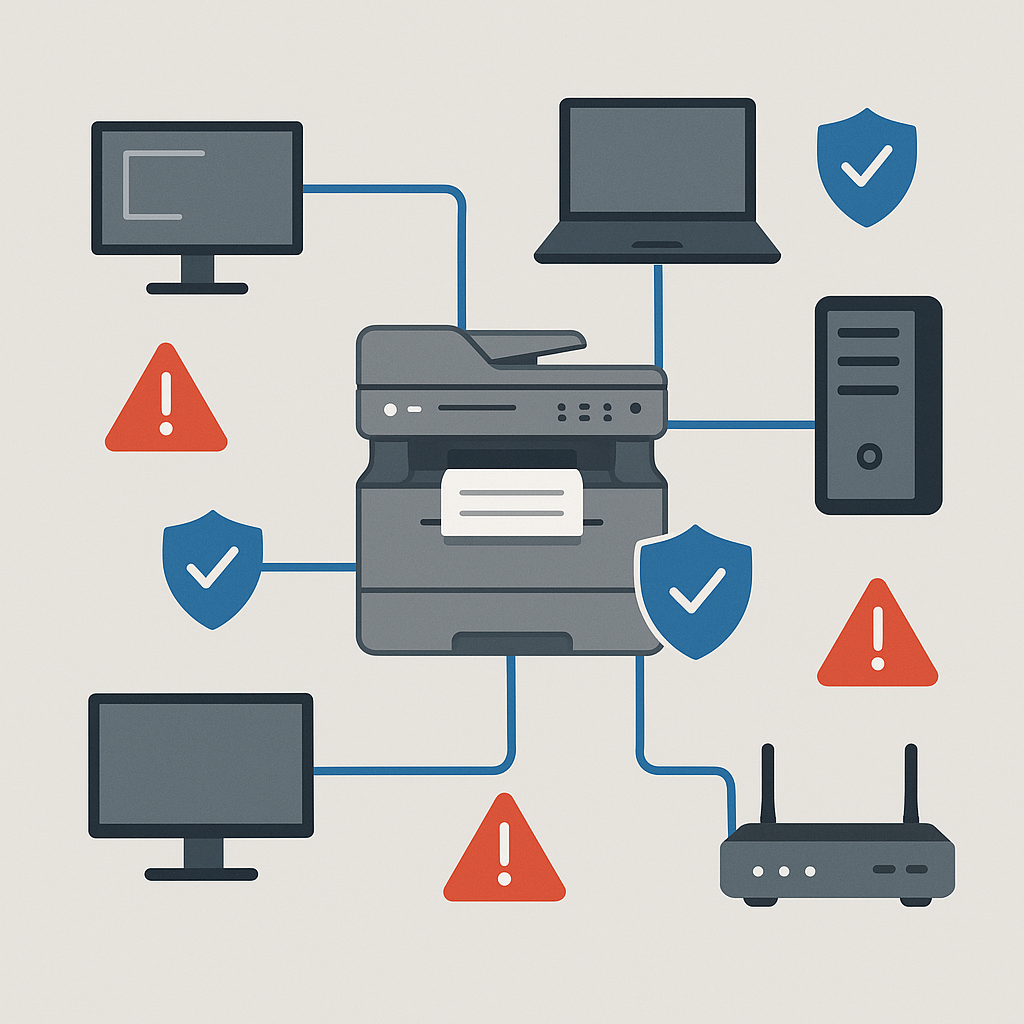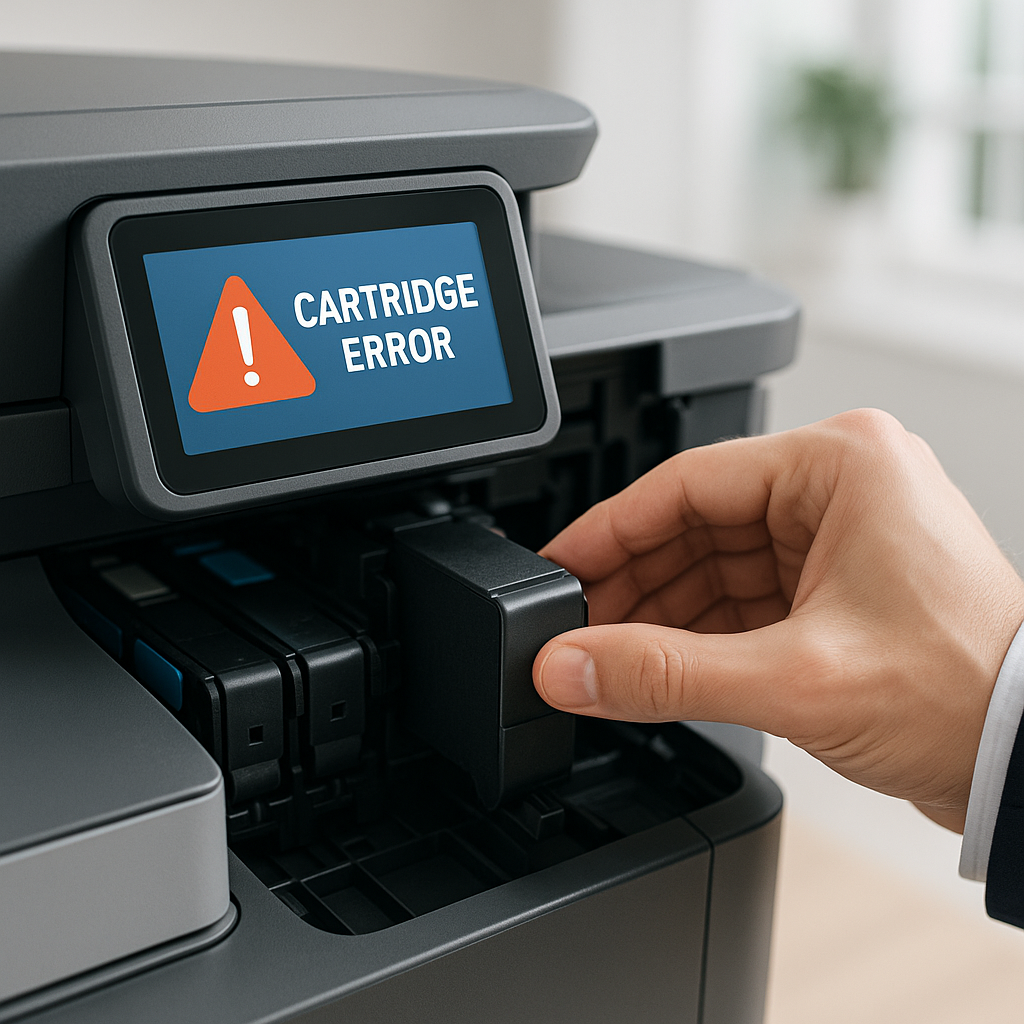
“What’s the difference between a Multi-Function Printer (MFP) and a Single-Function Printer (SFP) — and which one is right for us?”
Understanding these two categories — and the environments where each thrives — can help you avoid costly mistakes and set your office up for greater productivity and efficiency.
What is an MFP (Multi-Function Printer)?
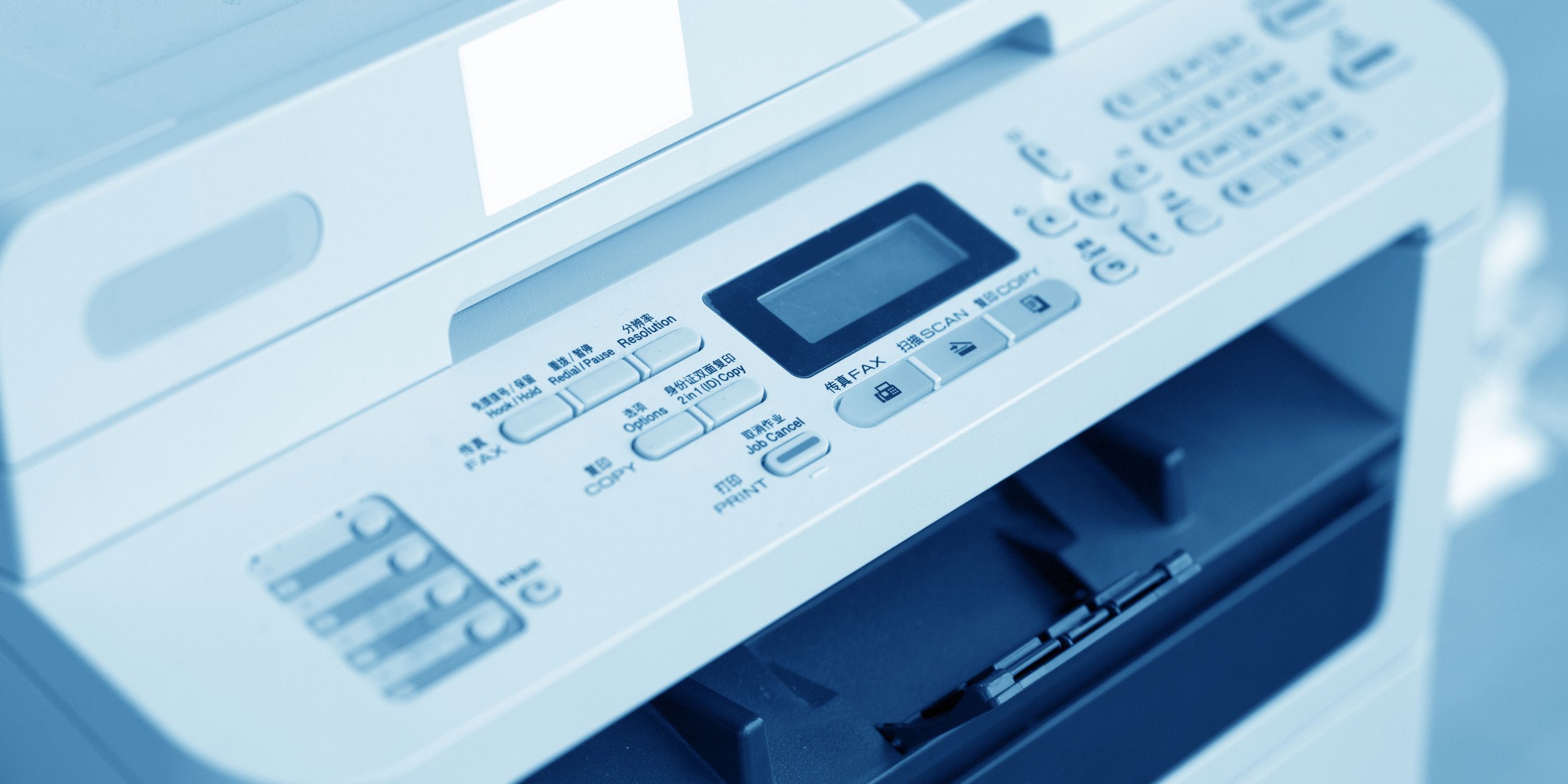
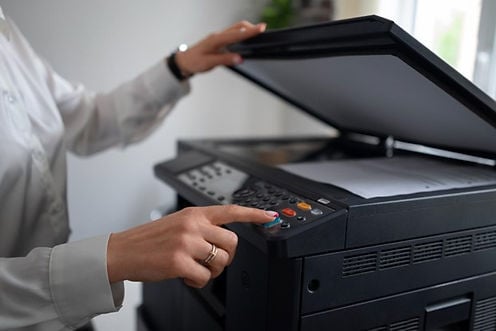
An MFP is an all-in-one device that can print, scan, copy, and sometimes fax. Designed to replace multiple machines, MFPs consolidate your document management needs into a single piece of equipment.
Key benefits of MFPs:
-
Space-saving: One machine instead of several
-
Centralized workflows: Employees can handle multiple document tasks without leaving their desks
-
Advanced features: Secure printing, digital workflows, cloud scanning, and more
-
Reduced equipment management: Fewer devices to maintain
Best suited for:
-
Small to mid-sized offices where space is limited but document needs are varied
-
Healthcare offices needing secure, HIPAA-compliant printing and scanning
-
Legal practices requiring frequent scanning and copying of sensitive documents
-
Hybrid workplaces where team members share a centralized device

An SFP is exactly what it sounds like: a device dedicated primarily to printing. While some models offer basic scanning or copying, they’re typically designed for speed, efficiency, and high-volume output.
-
Faster printing speeds for bulk jobs
-
Lower upfront costs compared to MFPs
-
Simplified maintenance (fewer moving parts)
-
Longer duty cycles for heavy workloads
Best suited for:
-
Print-heavy departments like finance or marketing, where the focus is on producing reports, invoices, or promotional materials
-
Production print environments where output speed is a top priority
-
Satellite offices or remote locations that need dependable, low-maintenance devices without full multi-function features
Quick Decision Guide
Go MFP if…
-
You want to consolidate equipment into one machine
-
Your team regularly scans, copies, and faxes documents
-
You want a single hub for document management and security features
Go SFP if…
-
Printing speed and volume are more important than scanning or copying
-
You want a lower-cost, low-maintenance solution
-
You’re supplementing an MFP setup with dedicated printers for specific teams
Pro tip: In many cases, a hybrid approach works best. Use MFPs as central document hubs and SFPs for high-output departments. This balance keeps workflows efficient and prevents bottlenecks.
How Aztec Helps You Choose the Right Printer Mix
At Aztec, we know that choosing between MFPs and SFPs isn’t just about the specs — it’s about matching the right technology to your workflow, budget, and long-term goals.
Our team provides:
-
On-site assessments to understand your printing habits
-
Tailored recommendations for the right mix of devices
-
Managed Print Services (MPS) to keep your printers running at peak performance, whether you purchased them from us or already own them
-
Local service technicians in Connecticut for fast, reliable support
With the right devices in place, your office can reduce downtime, control costs, and improve productivity.
📍 Let’s talk about your printing environment