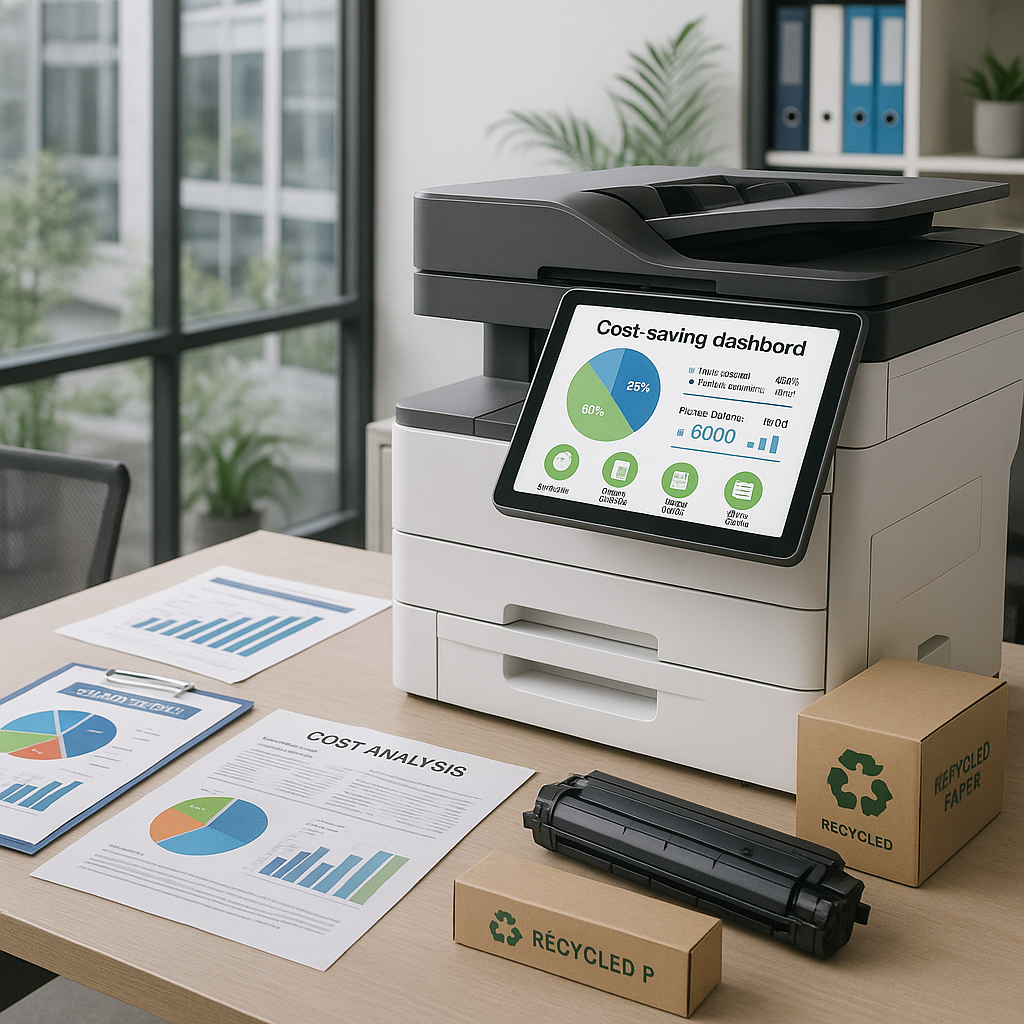

Document workflow automation transforms how businesses handle paper-intensive processes, reducing manual tasks by up to 80% while significantly cutting operational costs and eliminating bottlenecks in your document management systems.
Understanding Document Workflow Automation in Modern Business Operations
In today's competitive business landscape, office-based organizations face mounting pressure to do more with less. Document-intensive processes—from invoice approvals and contract reviews to employee onboarding and compliance documentation—consume valuable time and resources that could be redirected toward strategic initiatives. Document workflow automation addresses this challenge by digitizing and streamlining the movement of information throughout your organization, eliminating manual handoffs and reducing the friction that slows business operations.
Document workflow automation refers to the systematic digitization and routing of business documents through predefined processes without manual intervention. Rather than relying on paper-based systems or manual email chains, automated workflows leverage document management software integrated with multifunction printers (MFPs), scanners, and networked office equipment to capture, process, route, and store documents according to business rules you define. This technology transforms static documents into actionable data that moves intelligently through your organization.
The shift toward automated document workflows isn't simply about going paperless—it's about fundamentally reimagining how information flows through your business. Modern document workflow automation integrates with your existing technology ecosystem, including enterprise resource planning (ERP) systems, customer relationship management (CRM) platforms, and accounting software. This integration creates seamless information exchange across departments, reducing the redundant data entry and version control issues that plague manual document handling.
For office managers, IT directors, and operations leaders evaluating efficiency improvements, understanding the scope of document workflow automation is essential. These systems can handle everything from simple scan-to-email workflows to complex multi-stage approval processes involving conditional routing, automatic notifications, and audit trail generation. The scalability of these solutions means that businesses of all sizes—from small regional offices to multi-location enterprises—can implement automation appropriate to their operational complexity and growth trajectory.
Eliminating Manual Bottlenecks and Reducing Processing Time
Manual document processes create predictable bottlenecks that slow business velocity. Consider a typical accounts payable workflow: invoices arrive by mail or email, require manual data entry into accounting systems, need routing to appropriate approvers, demand physical signatures or email confirmations, and finally require filing and storage. Each handoff introduces delay, and any missing information or unavailable approver can stall the entire process for days or weeks.
Document workflow automation eliminates these bottlenecks by establishing predefined routing rules that move documents automatically based on content, metadata, or business logic. When an invoice is scanned using a networked MFP equipped with optical character recognition (OCR) technology, the system can automatically extract key data fields—vendor name, invoice number, amount, and due date—and route the document to the appropriate approver based on department, cost center, or dollar threshold. Approvers receive immediate notifications and can review and approve documents from any location using mobile devices or web interfaces.
The time savings are substantial and measurable. Organizations implementing document workflow automation typically report processing time reductions of 60-80% for routine document-based tasks. An invoice that previously required five to seven business days to process can move through the approval cycle in hours. Purchase orders, employee expense reports, contract reviews, and other document-intensive processes experience similar acceleration. This velocity improvement doesn't just save time—it enhances vendor relationships, captures early payment discounts, and improves cash flow visibility.
Beyond speed, automated workflows eliminate the productivity drain of document tracking and status inquiries. Office managers and administrative personnel no longer field constant questions about document locations or approval status. Dashboards and reporting tools provide real-time visibility into document location, processing stage, and pending actions. This transparency empowers employees to work more independently while giving management the oversight needed to identify process inefficiencies and optimize workflows continuously.
The impact extends to employee experience as well. Staff members freed from repetitive manual tasks can redirect their skills toward higher-value activities that require judgment, creativity, and strategic thinking. This shift improves job satisfaction, reduces turnover, and allows organizations to accomplish more without proportional increases in headcount—a critical advantage in tight labor markets where skilled office professionals are increasingly difficult to recruit and retain.
Cost Savings Through Automated Document Management Systems
The financial case for document workflow automation extends well beyond labor savings, though those alone often justify implementation. A comprehensive view of cost reduction reveals multiple categories where automated document management delivers measurable return on investment.
Labor cost reduction represents the most immediate and visible savings. When organizations calculate the fully loaded cost of manual document handling—including data entry, filing, retrieval, copying, distribution, and error correction—the numbers are striking. Industry research consistently shows that processing a single paper-based invoice costs between $12 and $30 when accounting for all associated labor and overhead. Automated processing reduces this cost to $3 to $5 per invoice. For organizations processing hundreds or thousands of documents monthly, these savings compound quickly into six-figure annual reductions.
Physical storage costs decrease substantially as documents transition from paper to digital formats. Off-site storage facilities, filing cabinets, and the office real estate they occupy represent ongoing expenses that document automation eliminates. More importantly, digital storage costs continue to decline while offering superior searchability and accessibility. A filing cabinet occupying 10 square feet of office space and holding approximately 10,000 pages costs roughly $1,500 annually in rent, equipment, and maintenance. That same information stored digitally costs less than $50 annually while providing instant retrieval from any location.
Print and paper costs decrease as automated workflows reduce unnecessary printing and copying. Organizations implementing document workflow automation typically report 40-60% reductions in print volumes as employees transition from printing documents for review, signature, and filing to handling those processes entirely digitally. For mid-sized organizations spending $50,000 to $100,000 annually on printing and related supplies, this reduction translates to $20,000 to $60,000 in direct savings while also reducing the environmental impact of office operations.
Error correction costs diminish as automation reduces manual data entry and human error. Incorrect invoice coding, misfiled documents, lost paperwork, and duplicate payments all create costly exceptions that require staff time to identify and correct. Automated workflows with built-in validation rules, duplicate detection, and audit trails prevent many of these errors before they occur. Organizations report error rate reductions of 70-90% following document workflow automation implementation, with corresponding decreases in exception handling costs.
The cumulative effect of these cost reductions typically delivers payback periods of 12 to 18 months for document workflow automation investments, with ongoing annual savings continuing indefinitely. For office managers and operations leaders tasked with improving departmental efficiency while controlling costs, these economics make document workflow automation one of the highest-return technology investments available.
Enhanced Security and Compliance with Digital Document Workflows
In an era of increasing regulatory scrutiny and cybersecurity threats, document security and compliance have evolved from administrative concerns to strategic business imperatives. Document workflow automation provides security capabilities that paper-based and manual digital processes simply cannot match.
Access control represents the foundation of document security in automated workflows. Modern document management systems allow organizations to define granular permissions that control who can view, edit, approve, or delete specific document types or categories. Role-based access ensures that sensitive financial documents, personnel records, or proprietary information are visible only to authorized personnel. This level of control is essentially impossible to maintain with paper documents or unstructured file shares where documents can be photocopied, forwarded, or accessed by anyone with physical or network access.
Audit trail capabilities provide complete visibility into document lifecycle history. Every action taken on a document—creation, viewing, editing, routing, approval, printing—is recorded with user identification and timestamp. This comprehensive logging supports compliance requirements across numerous regulatory frameworks including HIPAA for healthcare information, SOX for financial controls, and GDPR for personal data protection. When auditors or regulators request documentation of business processes, organizations with automated workflows can produce complete, verifiable records within minutes rather than days or weeks.
Retention management becomes systematically enforceable with document workflow automation. Many industries face specific requirements for document retention periods—tax records for seven years, employment records for varying periods depending on document type, contracts for the term plus additional years. Manual systems rely on employee diligence to maintain these retention schedules, creating compliance risk when turnover, reorganization, or simple oversight results in premature destruction or excessive retention of records. Automated retention policies ensure documents are preserved for required periods and then systematically destroyed, reducing both compliance risk and storage costs.
Data loss prevention improves significantly with centralized document management. Paper documents are vulnerable to fire, water damage, theft, and simple misplacement. Digital documents stored in properly configured document management systems benefit from redundant storage, regular backups, disaster recovery capabilities, and encryption both at rest and in transit. For organizations in industries requiring business continuity planning—financial services, healthcare, legal services, and government contractors—this resilience is essential for maintaining operations during disruptions.
Version control and change management prevent the confusion and compliance issues that arise when multiple document versions circulate simultaneously. Automated workflows ensure that users always access the current approved version of forms, contracts, policies, and procedures. Previous versions remain accessible for audit purposes but cannot be mistakenly used for current business processes. This control is particularly critical for regulated industries where outdated forms or procedures can create compliance violations or legal liability.
Optimizing Office Technology Ecosystems with Aztec's Tailored Automation Solutions
Implementing document workflow automation requires more than selecting software—it demands a comprehensive understanding of your current business processes, technology infrastructure, and organizational goals. This is where Aztec's consultative approach delivers distinct value for businesses across the Northeast seeking to improve operational efficiency through document automation.
Rather than leading with product recommendations, Aztec's approach begins with workflow analysis. Our team works directly with office managers, IT directors, and department leaders to map current document-intensive processes, identify bottlenecks and inefficiencies, and understand the specific business outcomes you're targeting. This discovery process reveals opportunities that generic automation solutions often miss because they're not tailored to your industry, organizational structure, or operational complexity.
Technology integration represents a critical success factor that many organizations underestimate when implementing document workflow automation. Your multifunction printers, network infrastructure, security protocols, and existing business applications must work seamlessly with document management systems to deliver the efficiency improvements automation promises. Aztec specializes in designing and implementing integrated office technology ecosystems where document capture devices, workflow software, and business systems operate as a unified platform rather than disconnected tools requiring manual bridges.
Right-sizing solutions to your actual needs prevents both under-implementation that fails to deliver expected benefits and over-buying that saddles your organization with unnecessary complexity and cost. A 15-person professional services firm requires fundamentally different document workflow capabilities than a 200-employee manufacturing operation with multiple locations. Aztec's expertise across diverse business sizes and industries enables us to recommend and implement automation solutions appropriately scaled to your document volumes, process complexity, and growth trajectory.
The hardware foundation of document workflow automation—networked MFPs and scanners equipped with appropriate capture and routing capabilities—requires careful selection to ensure long-term performance and reliability. Aztec's relationships with leading manufacturers and our deep technical knowledge of document capture technology ensure that your hardware investments align with your workflow requirements while providing the uptime and service response that business-critical systems demand. Our local service and support model means technical issues are resolved quickly by technicians who understand your specific implementation.
Ongoing optimization separates successful document workflow automation implementations from abandoned projects that fail to deliver promised returns. As your business evolves—adding staff, entering new markets, launching new products, or adapting to regulatory changes—your document workflows must evolve as well. Aztec provides the long-term partnership that ensures your automation solutions continue delivering value as your needs change. Regular reviews, proactive maintenance, and access to emerging capabilities keep your document management systems aligned with your business objectives.
Training and change management often determine whether automation investments deliver expected productivity gains or generate user frustration and workarounds that undermine efficiency. Aztec's implementation methodology includes comprehensive user training tailored to role-specific needs, administrator training for internal IT staff, and ongoing support resources that help your team maximize the capabilities of your document workflow systems. This commitment to user success ensures that automation investments translate into actual behavioral changes and measurable operational improvements.
For organizations ready to move beyond manual, paper-intensive processes, document workflow automation represents one of the most impactful efficiency investments available. The combination of processing time reduction, cost savings, enhanced security, and improved compliance creates compelling business value across virtually every industry and organizational size. However, realizing this value requires expertise, integration capability, and ongoing support that extends well beyond software licensing.